
Navigation
UI Navigation
How Evo UI elements work with UI navigation
Overview
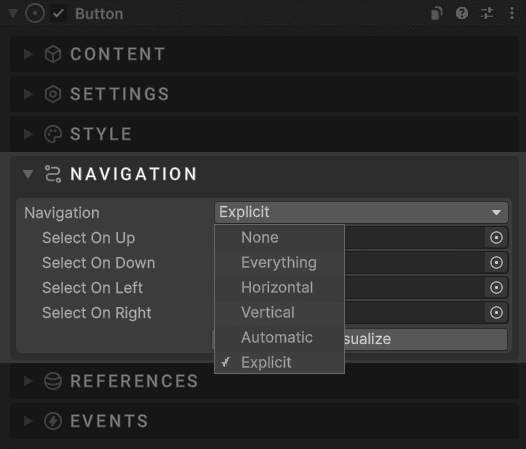
Evo UI is fully compatible with Unity's built in uGUI navigation system. By default, navigation controls how UI elements respond to:
- Arrow and WASD keys
- Gamepad sticks and D-pad
- Submit actions
- Focus changes between Selectables
Most Evo UI elements that extend Selectable (Button, Switch, Toggle, Slider, etc.) work exactly like built in Unity components, while still integrating with Interactive transitions, ripple, trail, and audio systems.
Resources
You can find links below for tutorials and guides to learn more about uGUI navigation.
- Unity Docs - Navigation Options
- Unity Tutorial - UI Navigation
- YouTube - Tutorial by Christina Creates Games